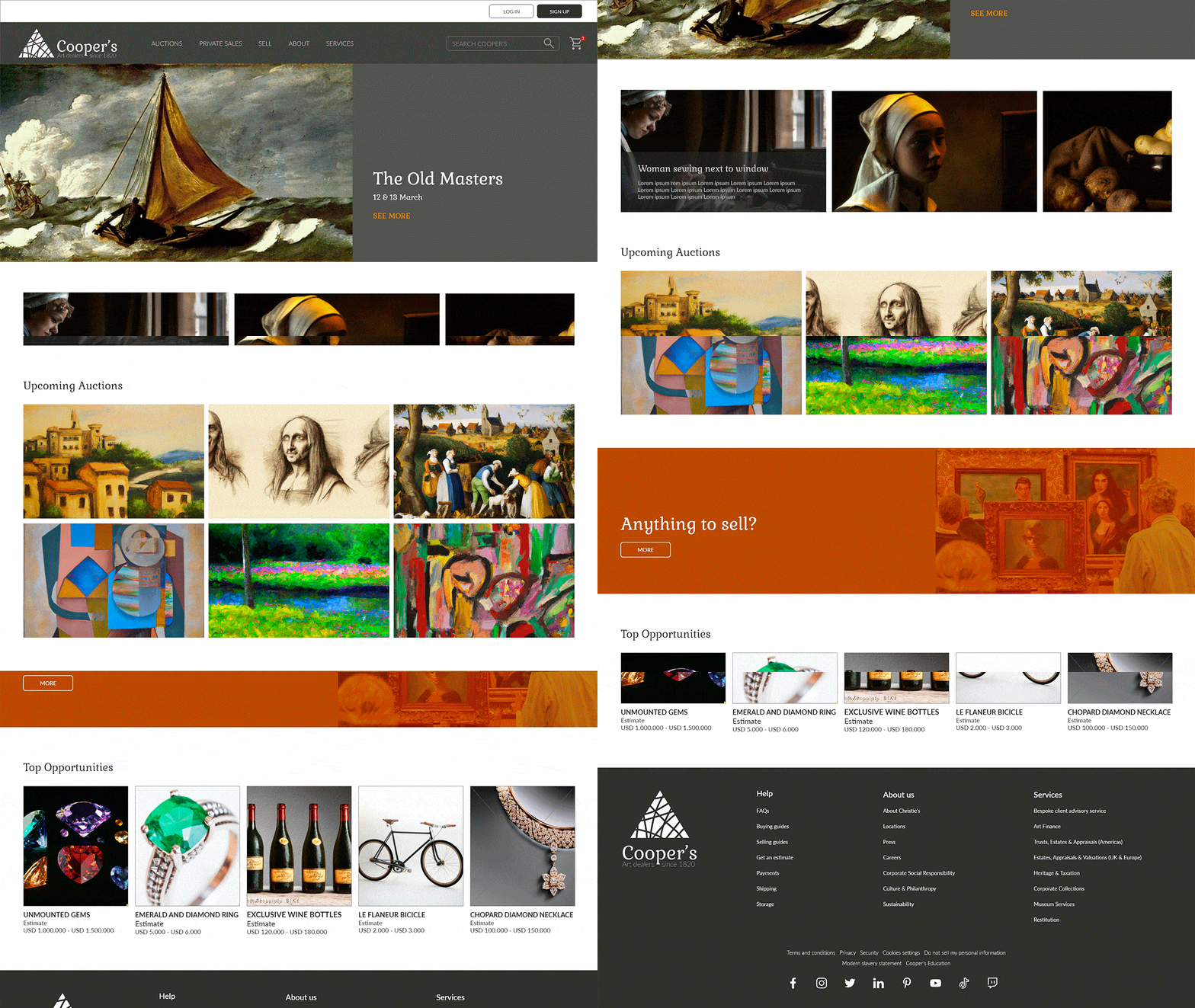
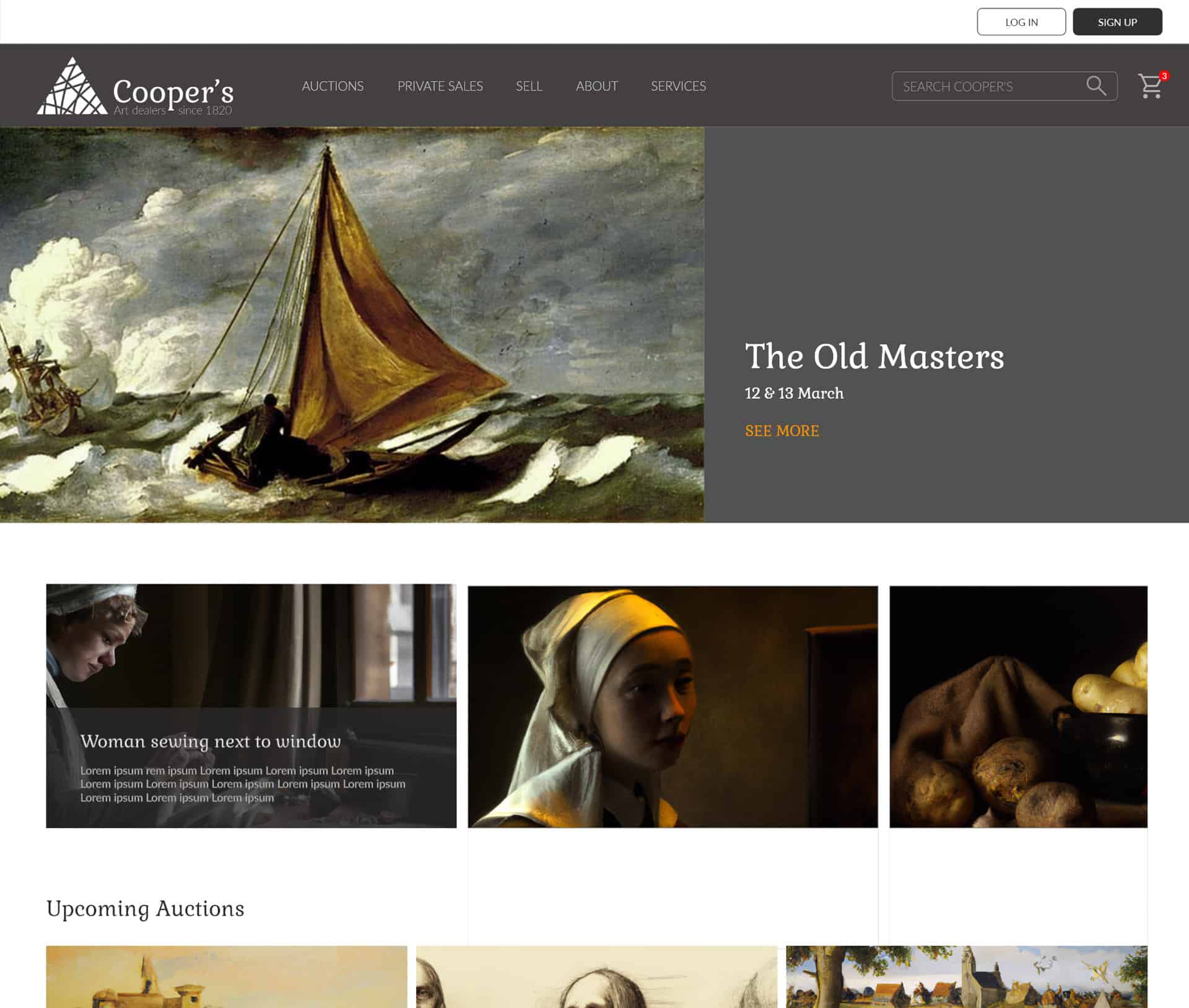
Auction House responsive website
This is the use case for the design of a profile creation flow for an online auction house
Project Overview
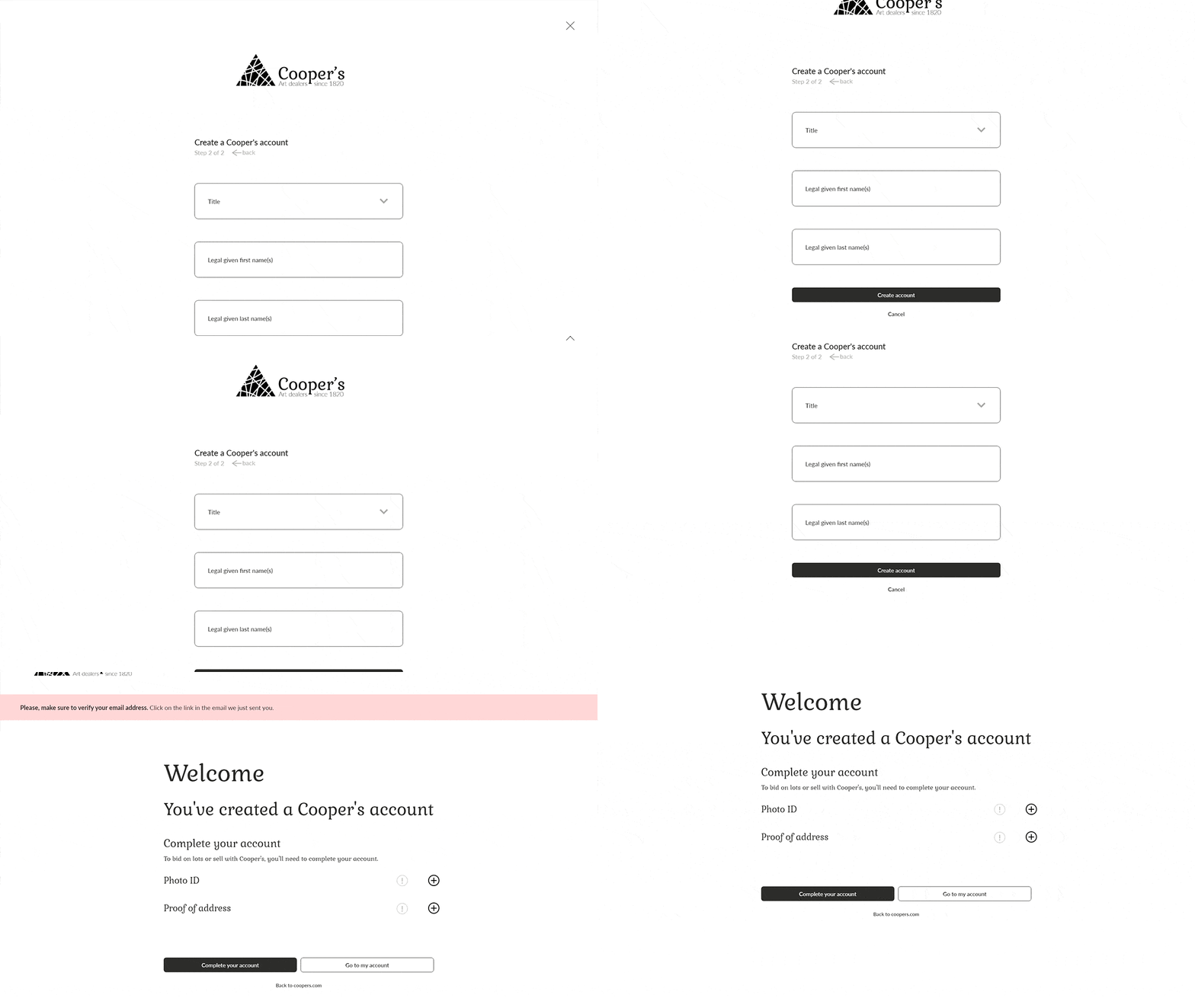
The second assignment was to make a responsive website for an online auction house, focusing on the need for a profile creation flow. In this case, the starting point was to create a two-step form sequence to make sure the process was simple and easy to complete either on a desktop computer or a mobile device.
The Problem
Users want a flow simple to follow, not very long, and easy to complete on a mobile phone.
The Solution
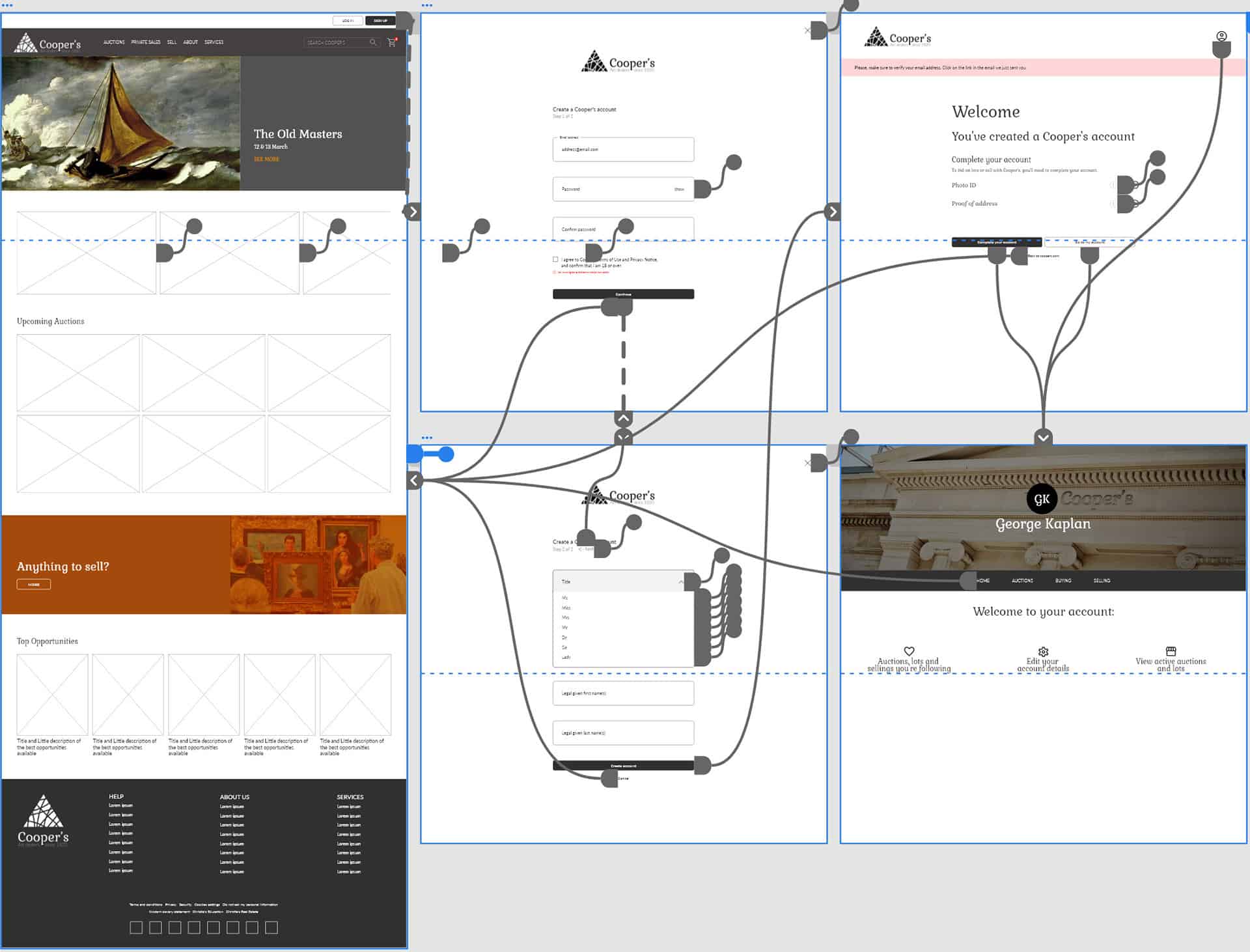
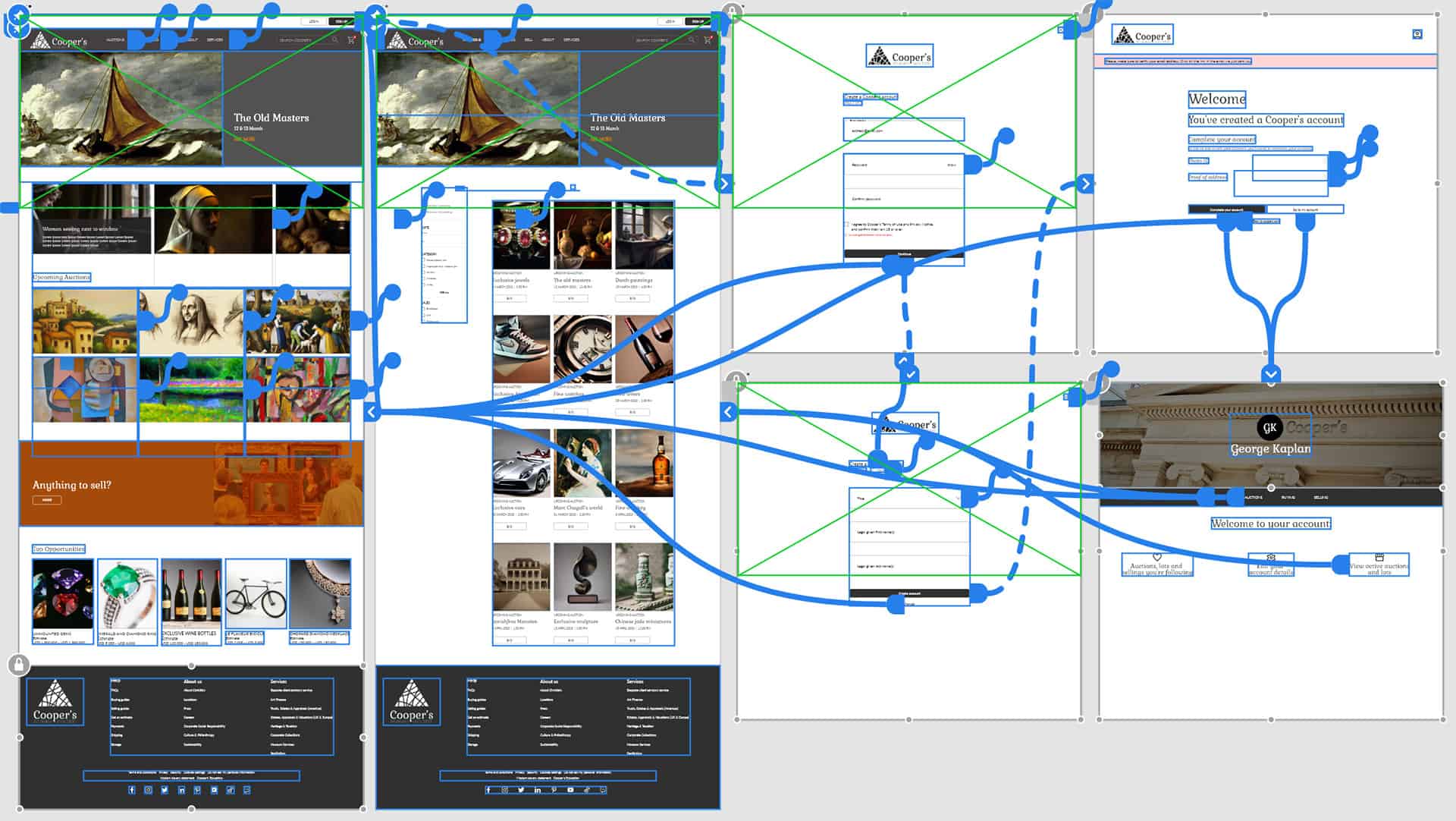
The flow should get to a functional profile after 3 screens and be ready to complete later on the profile page.
Primary Research
I started with a competitive audit, in which I investigated the creation of profile flow on the websites of two major auction houses. In this first research, several pain points were detected.
Foremost, one of the flows was too long, with four screens to follow before getting an account. Both of them were difficult to follow on a mobile device, but one of them simplified it on the phone but forced the user to complete the process on a desktop computer.
The Process
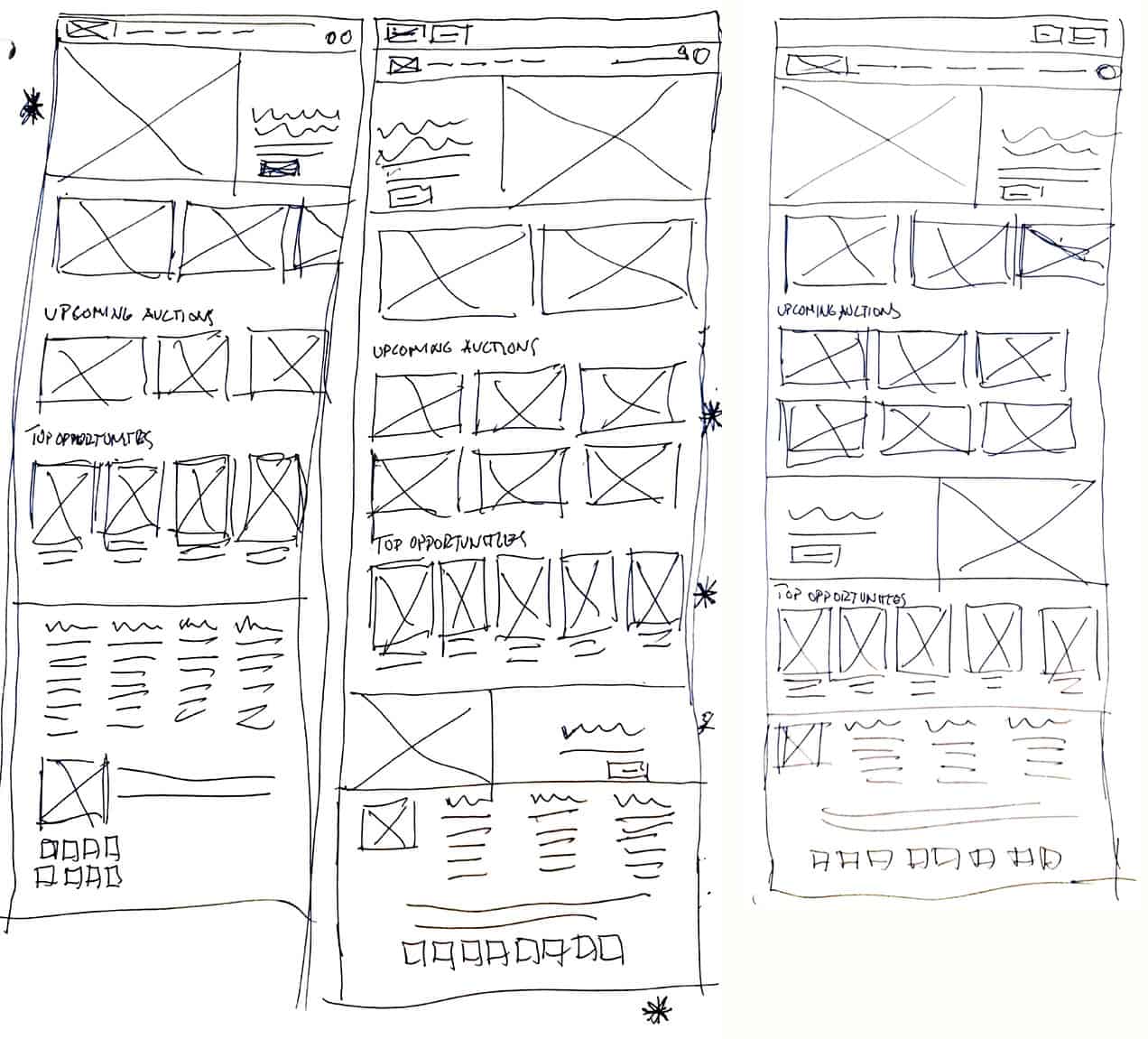
Paper Wireframes
Digital Wireframes
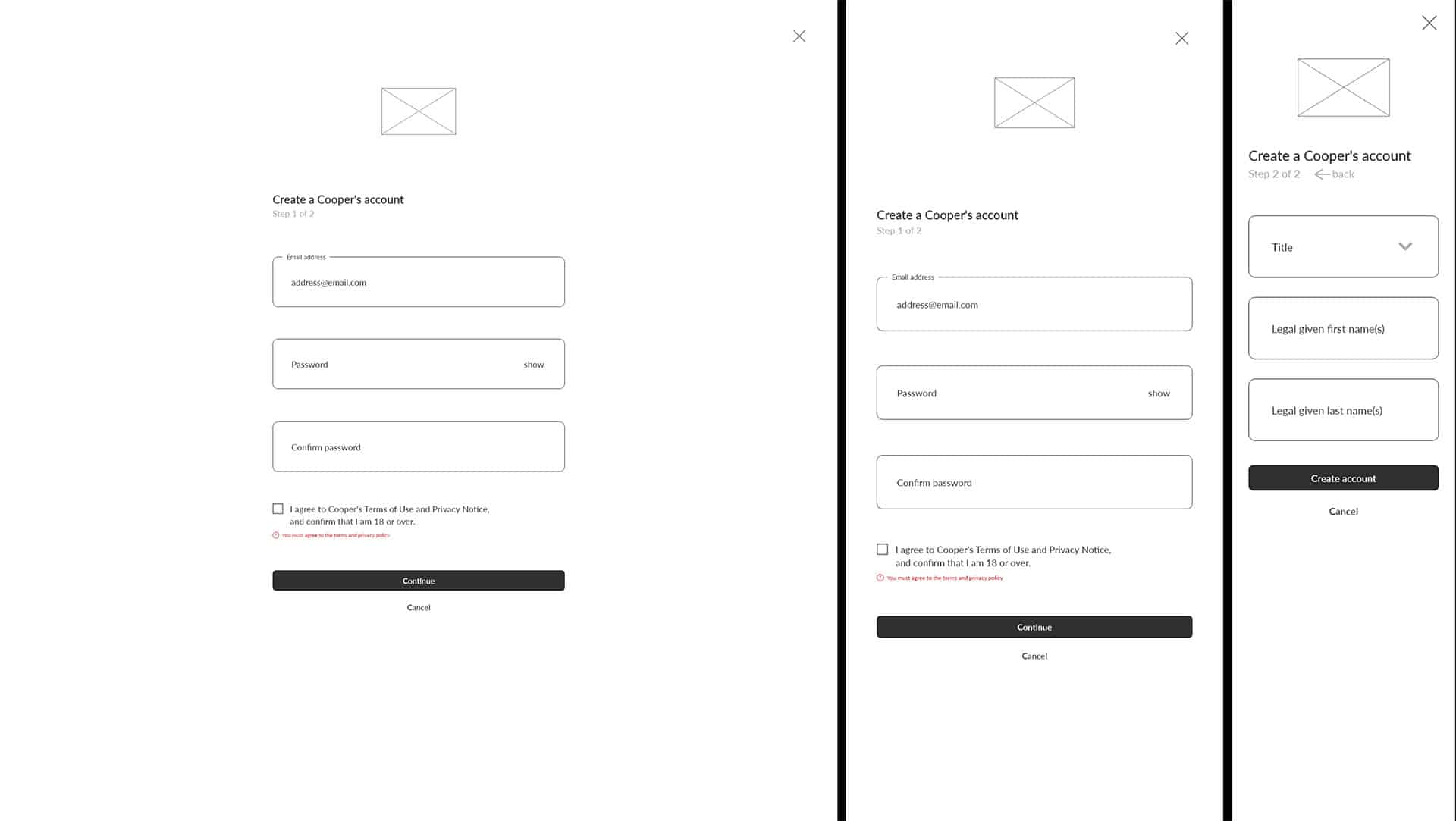
The responsive wireframes for the form pages in desktop, tablet and phone size.
Low-Fi Screen Flow
Usability study
Key Questions
Task 1: Go to the profile icon and try to create a new account.
Insights
Some participants would like to have the option of choosing a dark mode.
All participants find the creation profile flow easy and good to complete. One of them suggested that it would be possible to reduce the flow to one screen instead of two. I decided not to adopt this suggestion as an insight because it was intended from the beginning to make the flow simple and easy, and having the process divided into two screens makes it easier for users on mobile devices.
Mockups
After iterating to make changes to include the insights of the usability study, we arrive at the mockup phase.
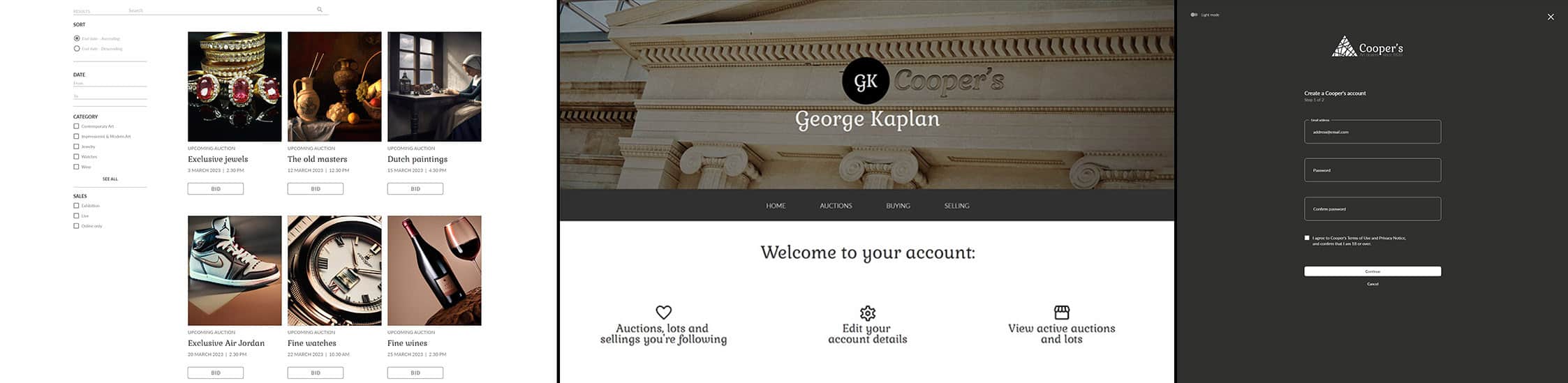
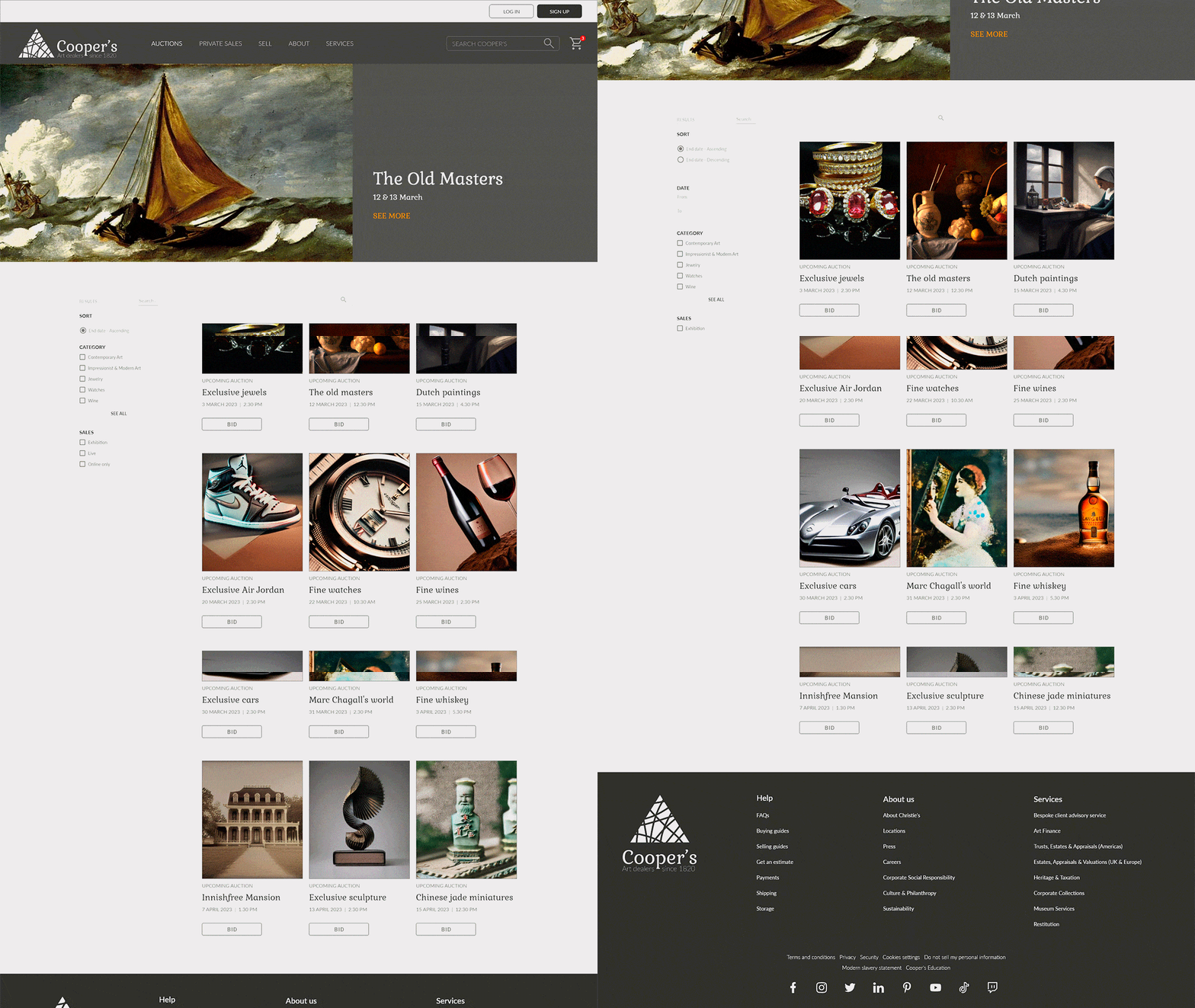
The buy page with a filtering system, the account page, and the form on dark mode.
Hi-Fi Screen Flow
Hi-Fi Prototype